
Research and Analysis Tools Overview
CleaRank’s research and broker analysis tools cover the questions traders ask before and after the trade: is this chart showing a real pattern, is this token safe, what is the market doing, can I trust this broker, and is my broker’s execution costing me money.
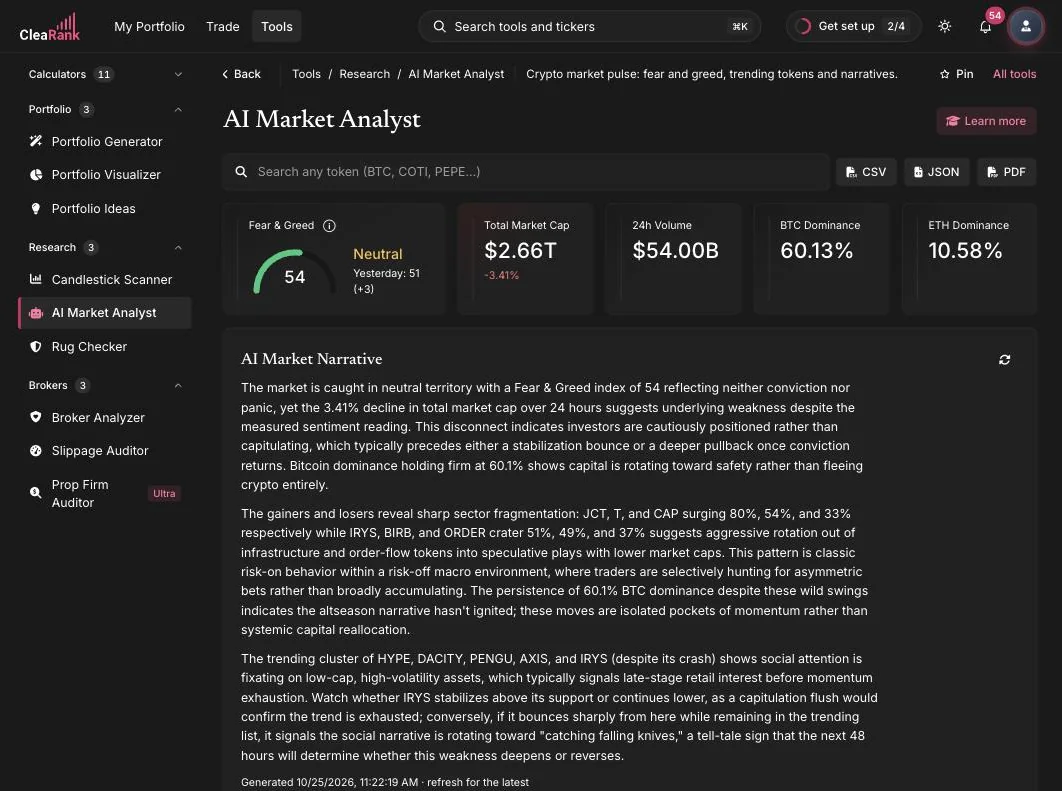
Five tools, seven guides
This section covers five research and analysis tools across seven guides. Two of the guides go deeper on a tool that already has its own guide rather than introducing a new tool: one unpacks the narrative, airdrop, and AI news panels inside Emerging Trends, and one explains how to read the grade the Slippage and Fee Auditor gives you.
Charts and the economic calendar
Two free reference tools on clearank.com, documented here for how they work rather than how to use them.
Which tool should I use?
Before a trade: use the Candlestick Pattern Scanner to check whether a chart is printing a recognizable pattern, and Emerging Trends to understand the wider crypto market mood. If the trade involves a small or unfamiliar token, run it through the Crypto Rug Checker first. For the narrative, airdrop, and AI news panels in Emerging Trends, see Crypto Narratives, Airdrops, and AI News.
Before choosing a broker: the Broker Analyzer assesses regulation, operations, sentiment, transparency, and track record for any broker you name. There is no fixed list to pick from: type a broker’s name and the tool analyzes it, and the search box offers a built-in suggestion list of common broker names to help you spell it. The report, including regulator names and license details, is written by CleaRank Financial AI from what it already knows rather than looked up in a regulator’s register at the moment you ask, so always confirm a license on the regulator’s own website before you open an account.
After trading with a broker: the Slippage and Fee Auditor takes your actual trade history and measures what execution really cost you, fill by fill. When the report comes back, Reading Your Slippage Audit Grade explains what the grade is telling you.
Frequently asked questions
Do these tools give trading signals?
No. They provide context and evidence: detected patterns, on-chain safety facts, sentiment data, and execution statistics. What you do with that information is up to you.
Why are there seven guides for five tools?
Five distinct tools are documented here: the Candlestick Pattern Scanner, the Crypto Rug Checker, Emerging Trends, the Broker Analyzer, and the Slippage and Fee Auditor. Two extra guides go deeper on a tool instead of covering a new one, because those areas need more room than a single overview allows: Crypto Narratives, Airdrops, and AI News covers panels inside Emerging Trends, and Reading Your Slippage Audit Grade covers the grade on a Slippage and Fee Auditor report.
Does the reliability percentage tell me how well my candle matches the pattern?
No. The percentage shown on a pattern card is a fixed, published reliability rating for that pattern type, so the same pattern always shows the same number no matter which chart it appears on. It is not a measure of how closely this particular candle matches, and it is not a probability that the trade will work.
Can CleaRank tell me whether my broker is safe?
The Broker Analyzer returns a 0 to 100 CLEAR score, five factor scores, a risk label, and cards for the regulators it associates with that broker, ranked by tier. Those scores and regulator details are written by CleaRank Financial AI from what it already knows rather than looked up in a regulator’s register, so treat the report as a starting point and confirm any license on the regulator’s own website. The final judgment is yours.
What data do the research tools use?
Real market data for the price history the Candlestick Pattern Scanner reads, direct on-chain data for the Rug Checker, independent 1-minute reference prices for the Slippage and Fee Auditor, and an external index for the Fear and Greed reading in Emerging Trends. The AI-written parts, including narratives, broker reports and any sentiment reading, come from what CleaRank Financial AI already knows: no AI feature reads the live web at the moment you ask, and a neutral sentiment score of 50 can also mean the reading was unavailable.
Do I need a paid plan to use these tools?
No. The research tools are included on every plan, including the Free plan, which needs no card. Pro and Unlimited, billed yearly, add more CleaRank Financial AI answers a day (Free has 3), saved scenarios and exports. Separately, the simpler embedded versions of several of them on clearank.com/tools/ are free to use without an account.
Start exploring
See what the market is doing right now.
Related articles
CleaRank tools are for education and analysis. Nothing in this guide is financial advice.